Overview
A callback URL is the endpoint where StraitsX sends event notifications (callbacks) to your system. You must configure a callback URL in order to receive updates such as transaction status, account events, or other activities.
Table of Contents
- Overview
- Table of Contents
- Where can I set the callback URL?
- How to set a callback URL
- What is the difference between Client Event and End Customer Event?
- Important notes
- Common issue: Callback not received
Where can I set the callback URL?
You can configure your callback URL from:
Platform Tools → Developer Tools → Callback URL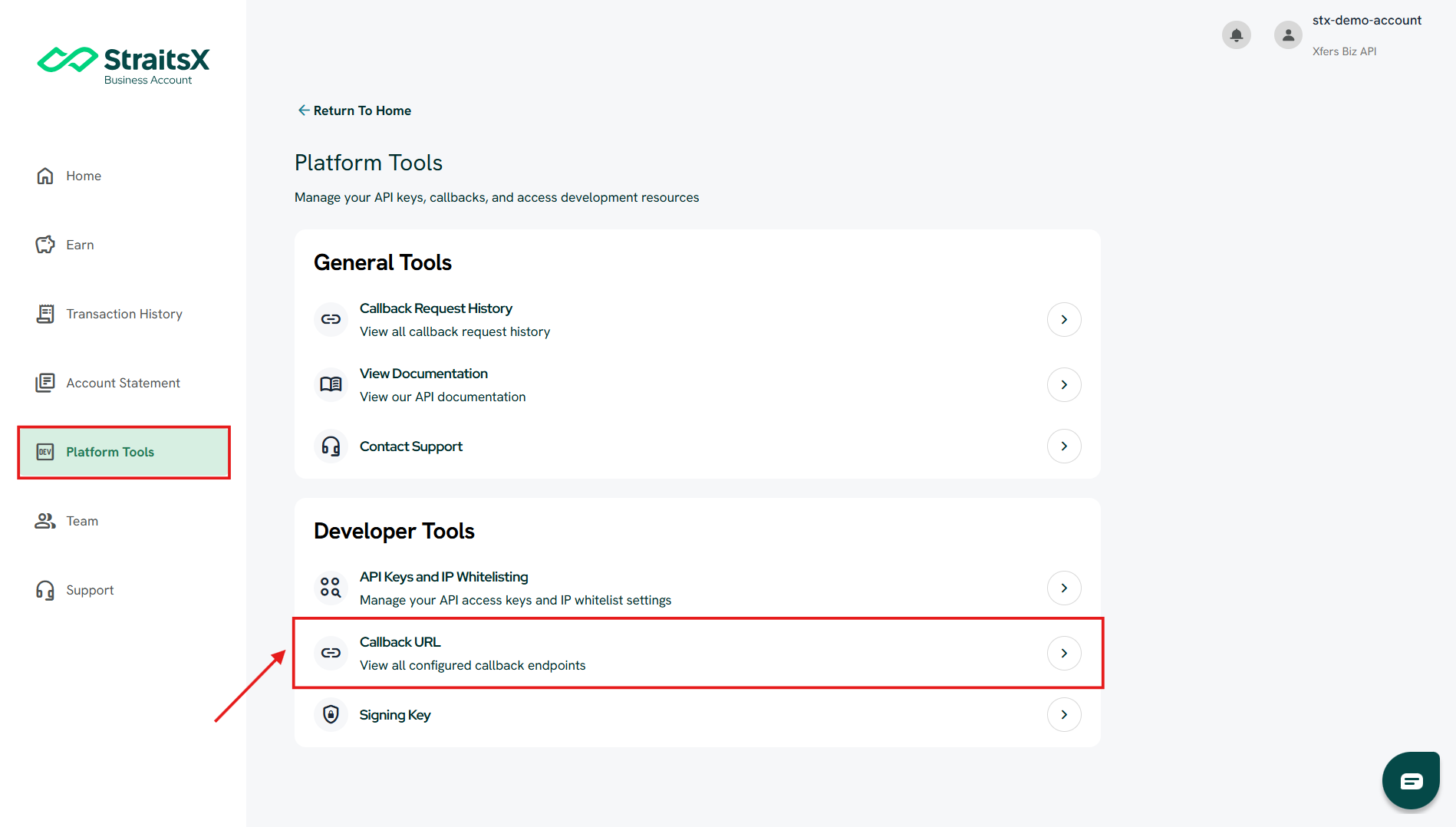
How to set a callback URL
Steps:
- Log in to your StraitsX Business Account
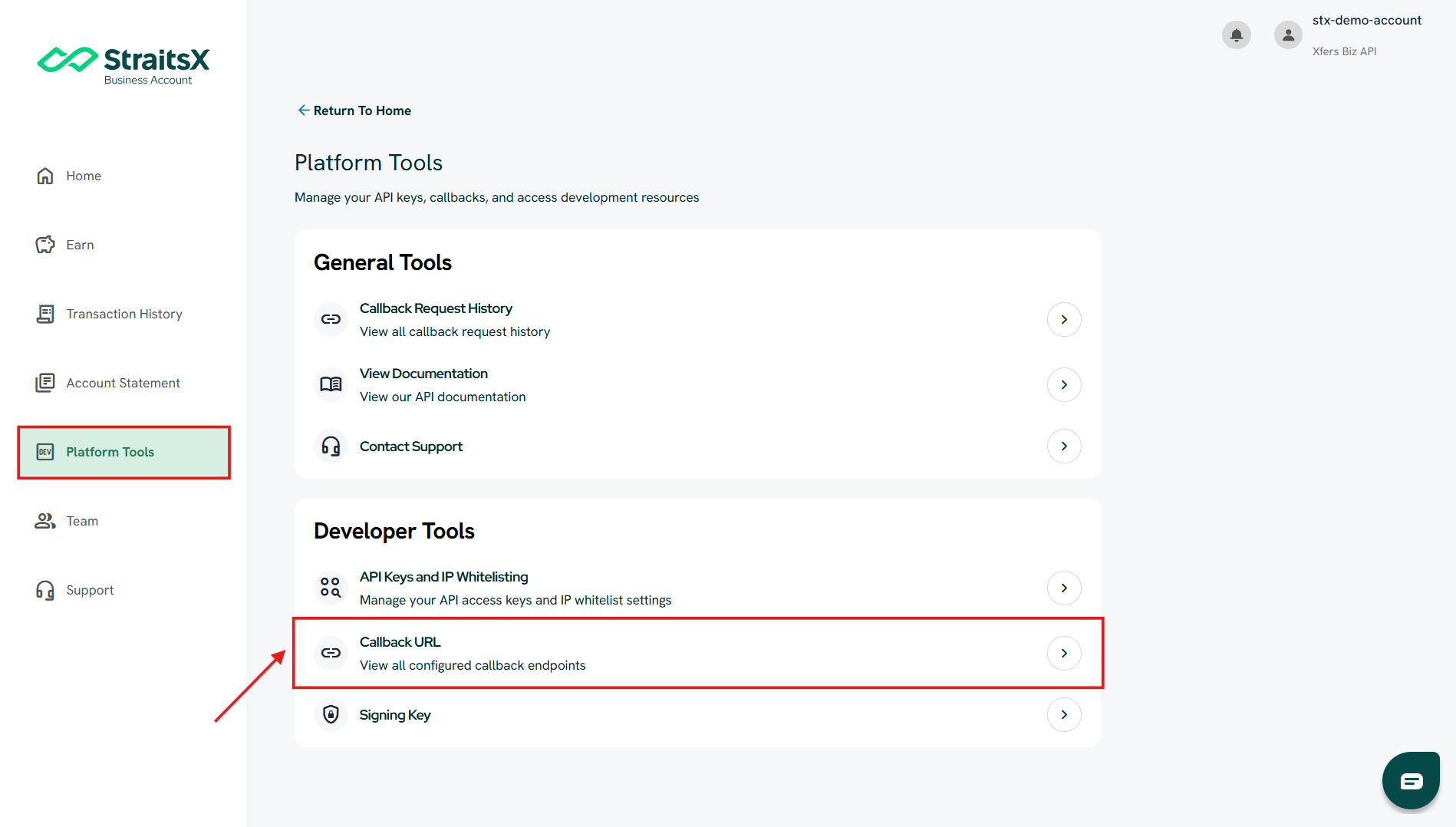
- Go to Platform Tools
- Under Developer Tools, click Callback URL
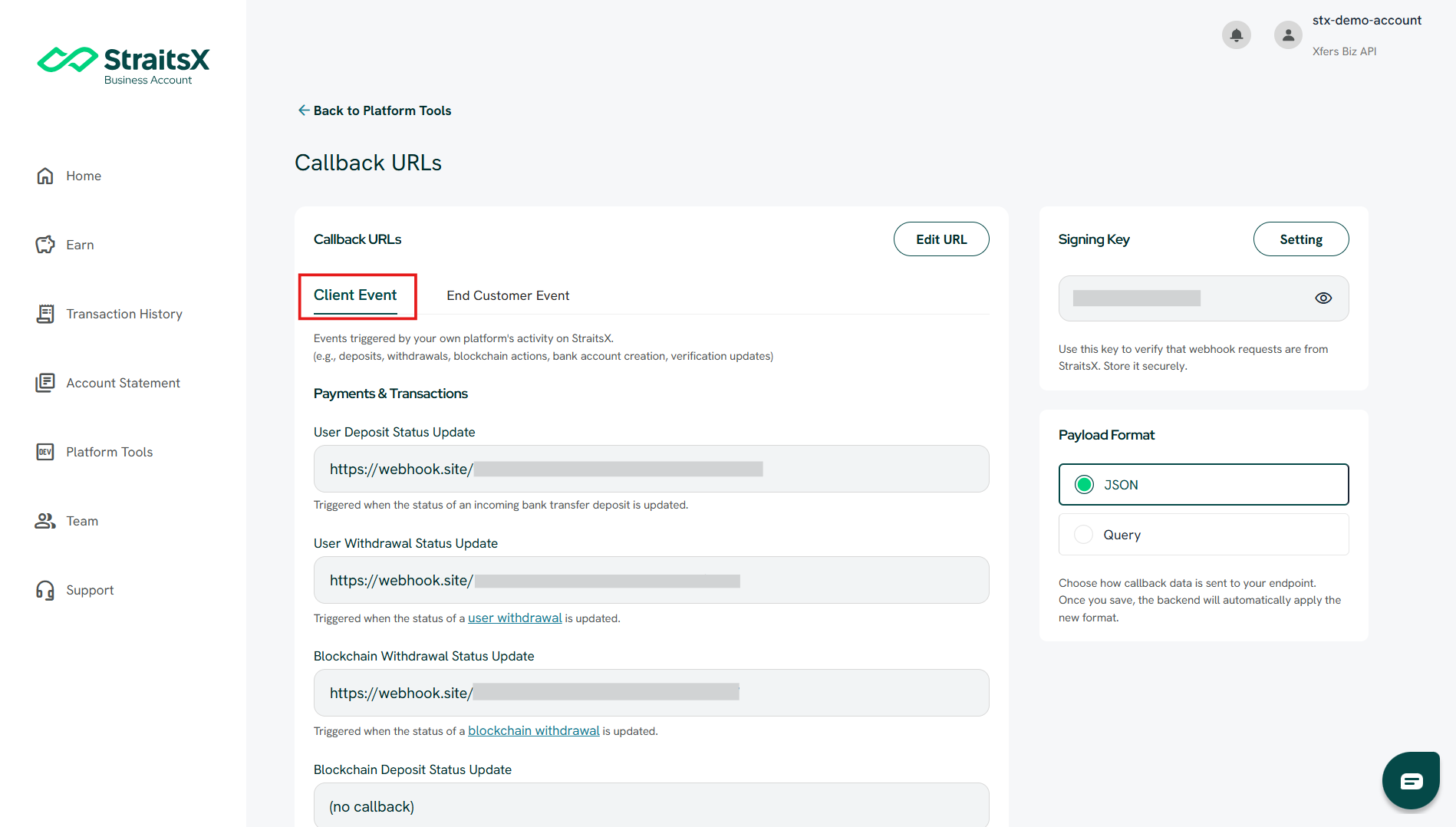
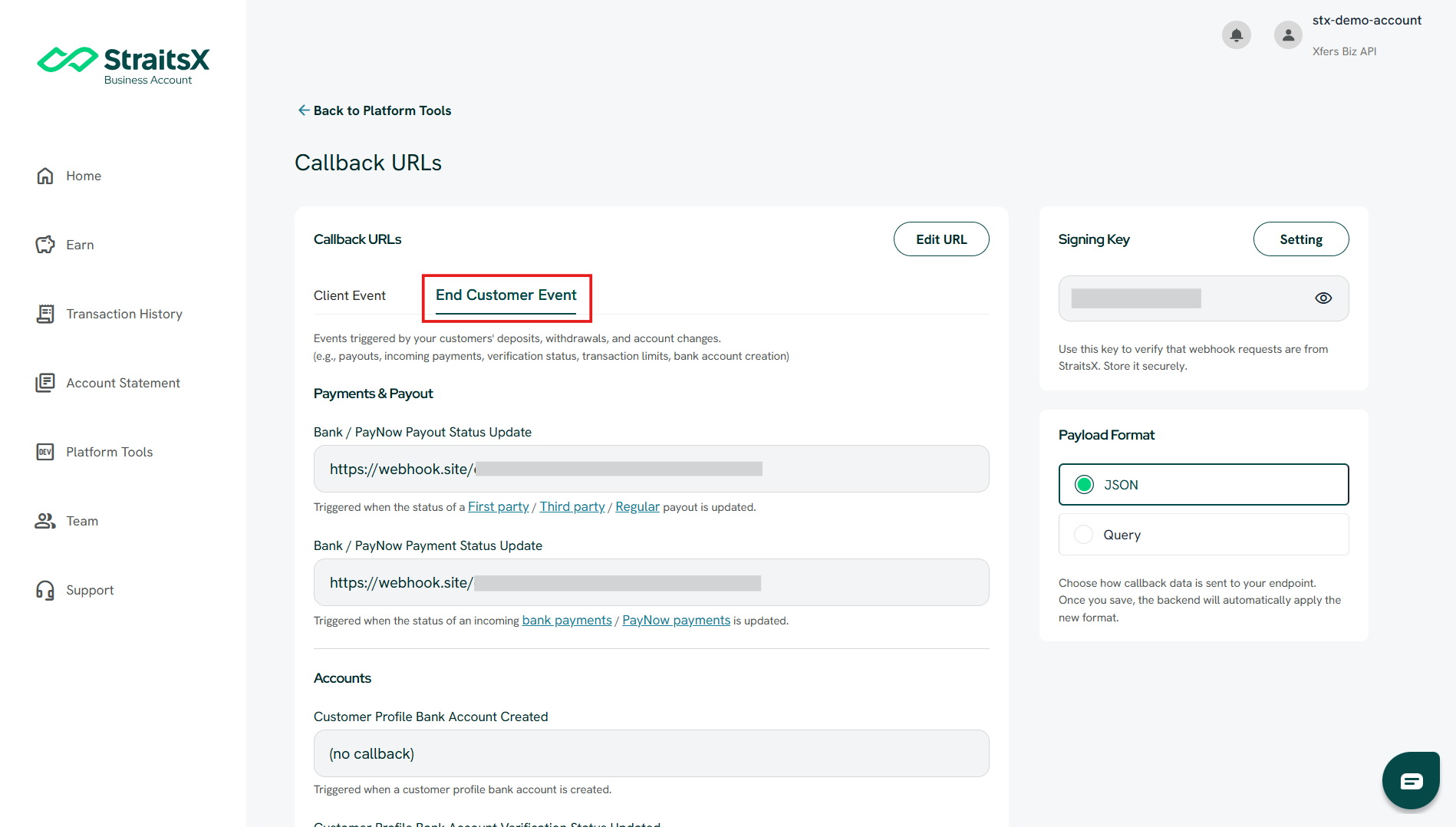
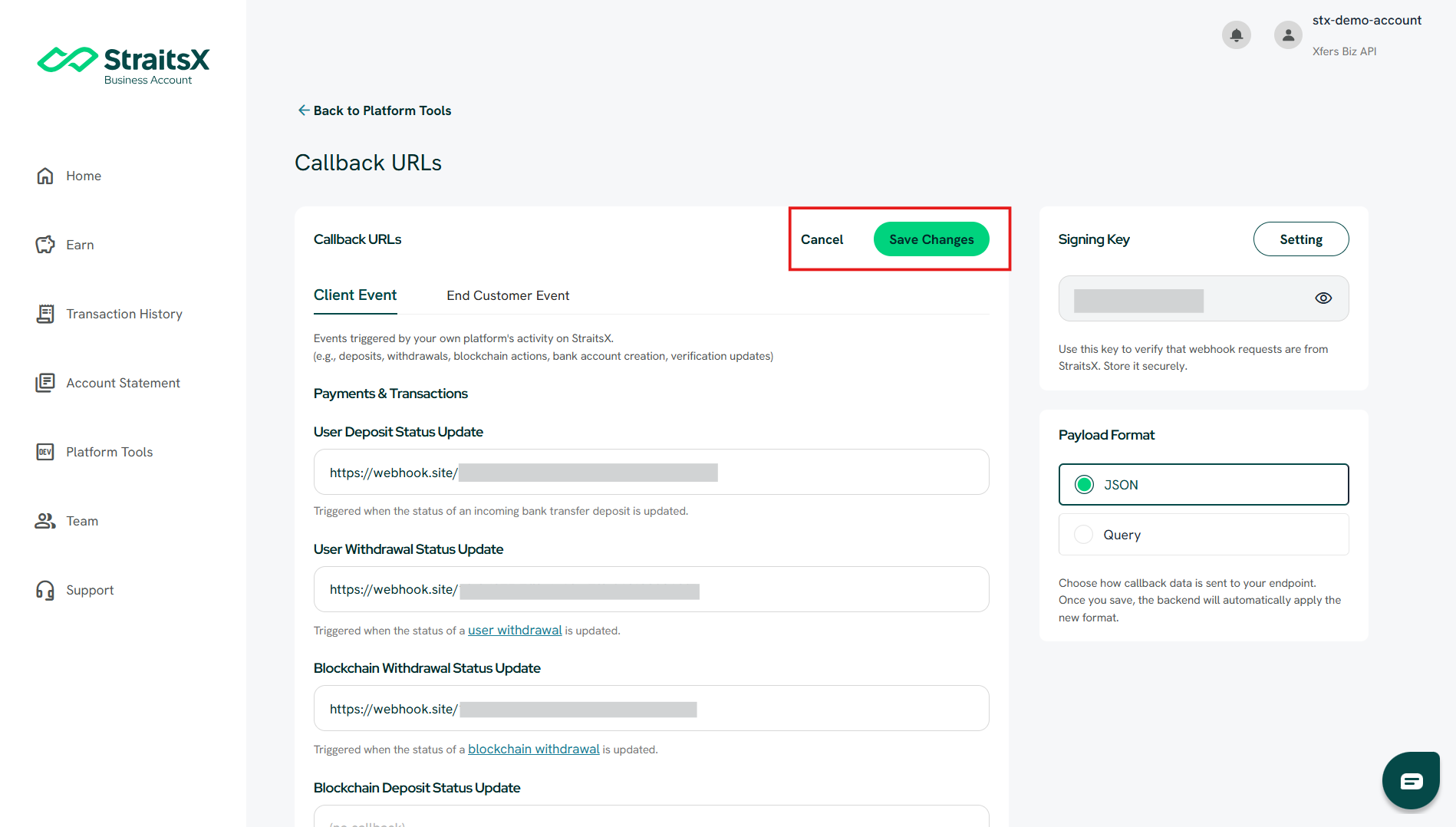
- Choose the appropriate tab:
- Client Event
- End Customer Event
- Client Event
- Locate the event you want to configure
- Click Add URL (or edit an existing one)
- Enter your callback endpoint URL
- Click Save Changes
What is the difference between Client Event and End Customer Event?
Client Event
- Triggered by your own activity on StraitsX
- Examples:
- Deposits
- Withdrawals
- Account-related actions
End Customer Event
- Triggered by your end users (customers)
- Examples:
- Customer transactions
- User-related activities
Make sure you configure the correct section based on your use case.
Important notes
- If no callback URL is configured:
- You will not receive any callbacks
- Make sure your endpoint is correctly set before expecting callback data
- Ensure your server can handle incoming callback requests
Common issue: Callback not received
If you are not receiving callbacks, check:
- Whether a callback URL has been configured
- Whether the correct event type is set
- Whether the URL is correct
Was this article helpful?
That’s Great!
Thank you for your feedback
Sorry! We couldn't be helpful
Thank you for your feedback
Feedback sent
We appreciate your effort and will try to fix the article